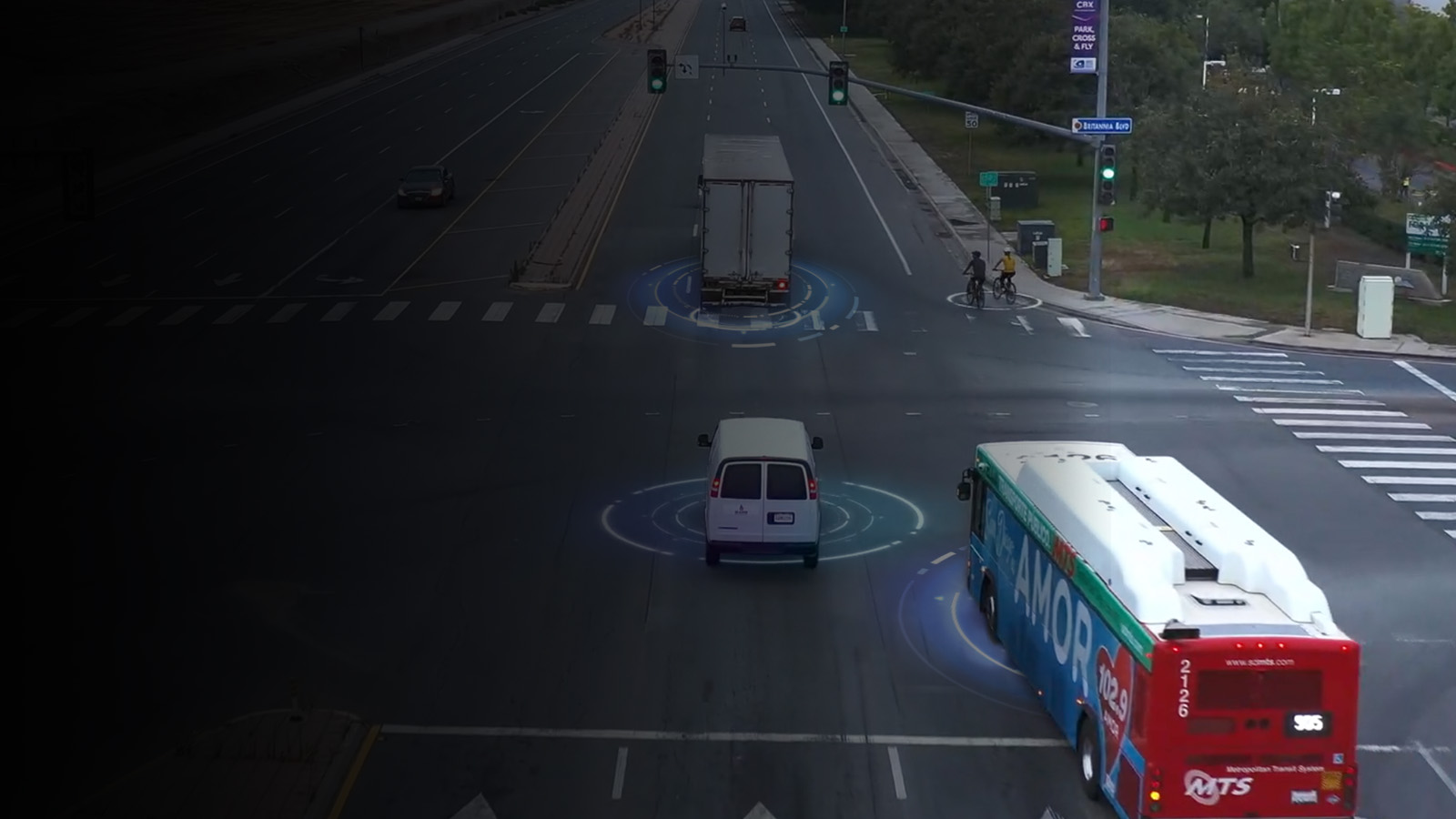
Transform your business
with the power of video
Protect drivers, reduce costs, and drive operational efficiencies with the global
leader in video safety and video telematics.
The power of video safety and video telematics
See how our clients and strategic partners use our applications and platform to enhance safety and simplify fleet operations.
Lytx video safety and video telematics applications
Solutions to help keep your fleet operating at peak performance.
Empower and reward improved driver behavior with real-time alerts†, proactive driver-focused tools, streamlined coaching workflows, and recognition.
Track vehicles, improve operational and fuel efficiency, and stay on top of maintenance with GPS tracking enhanced by video.
Save costs and ensure your vehicles are always ready for the road with preventative maintenance and driver vehicle inspections.
Streamline ELD compliance processes and ensure accurate hours- of-service reporting with up-to-date access to driver records of duty statuses.

Start solving your fleet challenges with video safety and video telematics



Experience you can trust
We’ve delivered incredible results for our clients for more than 25 years.
An estimated $920 million savings in fuel costs


Learn more about how Lytx can support your business and your drivers.
We’ve created a wealth of resources to support our customers at every stage.

The Lytx Difference

Service
Our team is invested in your success. We surround you with a team of technical, data, and industry experts to create a program that helps your company achieve extraordinary results.

Innovation
Our machine vision and artificial intelligence are powered by the most robust driving database of its kind with 221 billion miles and counting. Through Lytx Lab, we harness client-focused innovation to create solutions that deliver value to our customers.

Leadership
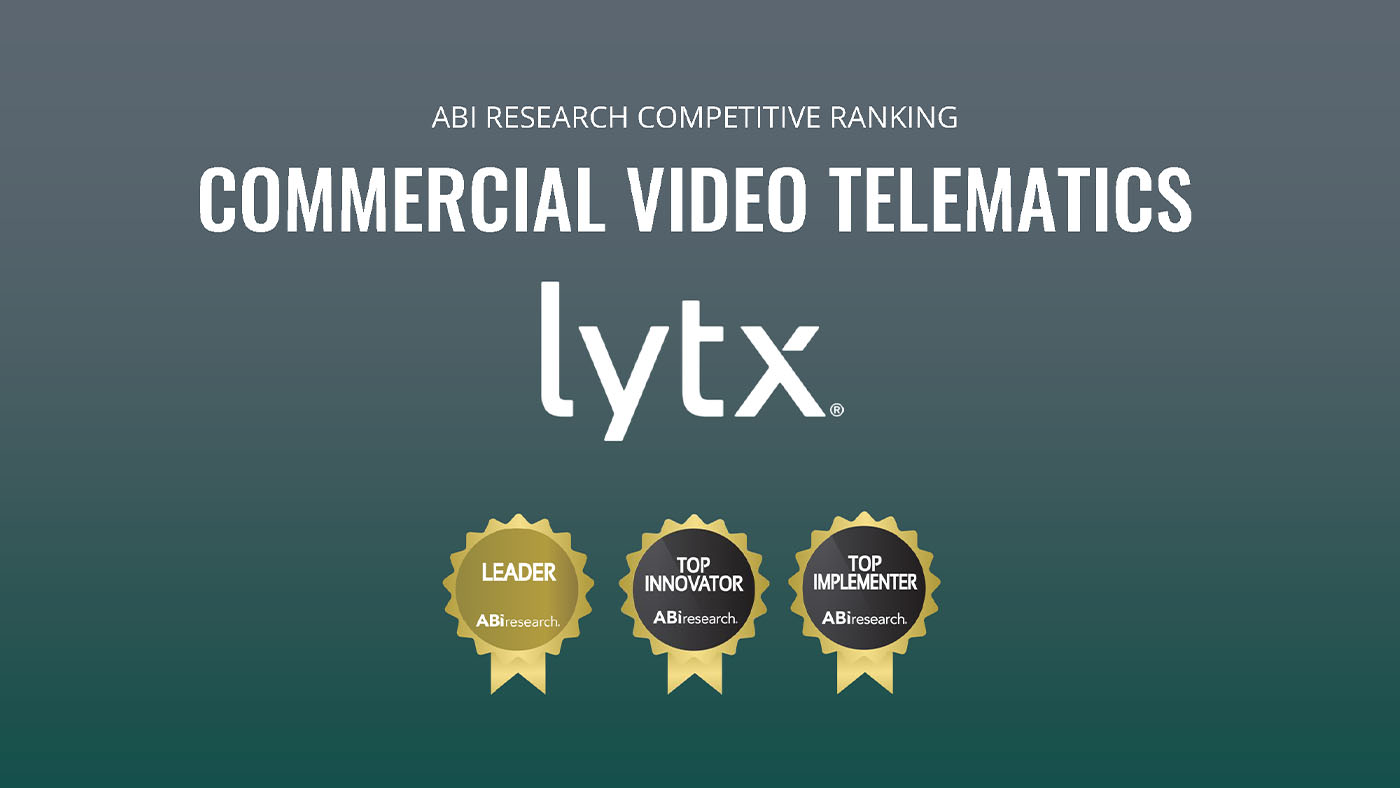
With a 25-year track record of real-world experience in delivering results, our award-winning technology, program, and service is with you every step of the way. We bring the strength and financial stability to be with you for the long haul.